 StoreSathi
 How to close the day at your shop: cash, UPI and udhar
An end-of-day routine for shops: count the cash, check it against what should be there, look at UPI and udhar, and note any difference, with StoreSathi's Day Book.
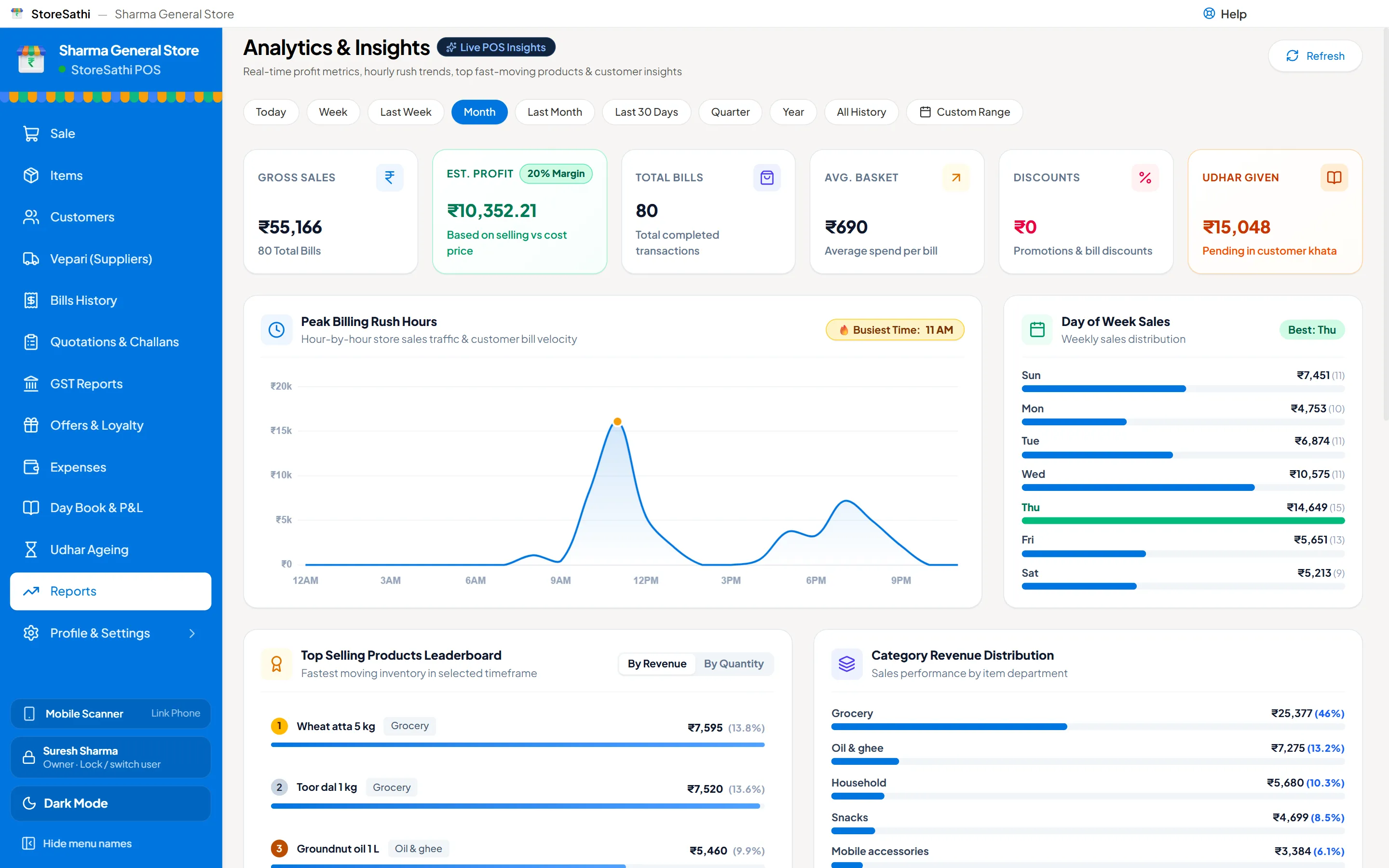
Closing the day means checking that the money in the drawer matches the bills of the day. Count the cash, compare it with the cash that should be there, glance at UPI and card payments and the udhar given and collected, and write down any difference while you still remember the day. Done every evening, it takes a few minutes and stops small gaps from becoming big ones.
Here is a routine that works for most shops, and how StoreSathi’s Day Book does the arithmetic for you.
Why close the day at all?
- Mistakes are easy to find today and hard to find next month. A wrong change, a bill not made, a refund not recorded: tonight you remember it; in thirty days you will not.
- Staff know the count happens. A daily count is fair to everyone and keeps the counter honest without accusing anyone.
- Your books stay ready. When the cash book agrees with the drawer every day, the month end and the year end are quick.
What should be in the drawer?
The cash that should be in the drawer at the end of the day is:
| Line | What it is |
|---|---|
| Opening cash | what was in the drawer in the morning |
| + Cash sales | bills paid in cash |
| + Udhar collected in cash | old dues paid today in cash |
| − Cash refunds | money given back for returns |
| − Cash paid to vepari | suppliers paid from the drawer |
| − Cash expenses | tea, transport, small purchases from the drawer |
| = Cash that should be in the drawer |
UPI, card and udhar sales do not add cash, so they are not in this sum. They matter too, but they are checked differently (see below).
The routine, step by step
- Stop billing for a moment and make sure every sale of the day has a bill, including the last few.
- Count the cash. Notes first, then coins. If you keep a fixed float for tomorrow, count it with the rest.
- Open the Day Book in StoreSathi. The opening cash is filled in from the last day you counted.
- Type the cash counted. StoreSathi shows the difference straight away: matches, short or extra.
- Look at the day summary before you save: bills, total sales, sales by payment mode, returns, udhar given and collected, expenses and the top items.
- Save the day count, with a short note if the difference is not zero. The note is for you next week, so write what you found, not just “short”.
In StoreSathi you can do all of this from the keyboard: Enter moves from opening cash to cash counted to the note, and Enter on the note or Ctrl+S saves. You can print a slip of the day if you keep a paper file.
How do I check UPI and card payments?
The Day Book shows sales by payment mode. Compare the UPI total with the payments your UPI app or bank shows for the day, and the card total with the card machine’s day report. If they differ, the usual reasons are:
- a customer paid by UPI but the bill was saved as cash, or the other way round;
- a payment came in for an old udhar, not a new sale;
- a bill was made twice, or not at all.
Fix the bill the same day, while you can still ask the person who made it. Every bill shows who made it, and every change is in the activity log.
How do I check udhar?
Look at udhar given and udhar collected in the day summary. Two questions are worth a minute every evening:
- Was every udhar sale meant to be udhar? A sale put on khata by mistake is easy to fix today.
- Was every payment collected recorded? If a customer paid old dues, it should show as udhar collected, in cash or by UPI.
For the longer view, the khata ageing report shows who owes how much and for how long. Read how to manage udhar khata for a weekly routine to go with the daily one.
What if the cash is short or extra?
Do not adjust anything in a hurry. First:
- Count again. Most differences disappear on a second count.
- Look at the day’s cash bills and refunds for one that looks wrong: a ₹500 entered as ₹50, a refund given but not recorded.
- Check expenses. Cash taken for tea or transport and not entered is the most common gap.
- Save the count with a note describing what you found. StoreSathi keeps a list of recent day counts with their differences, so a pattern shows up quickly.
A small extra or short now and then is normal at a busy counter. The same difference every day is a sign to look closer.
Who should close the day?
The owner, or a trusted manager. In StoreSathi you can give staff roles that let them bill but not see cost and profit, and decide who can see the Day Book and who can close the day. See let staff bill without seeing your profit.
If you bill from your phone as well as the PC, both sets of bills land in the same Day Book. See use your phone as a second billing counter.
What else is worth a look in the evening?
- Low stock on the items that sold well today, so you can order tomorrow.
- Backup. StoreSathi backs up by itself, including once more when you close it. Read how to keep your billing data safe.
In short
- Cash that should be there = opening + cash in − cash out.
- Count, type the count, read the difference, save with a note.
- Check UPI and card against the bank and the card machine.
- Check udhar given and collected while you remember the day.
- StoreSathi’s Day Book does the sums; you can try it free for 30 days.
Questions
How long should closing the day take? Five to ten minutes once it is a habit: count the cash, type the count, look at the difference and the day summary, and add a note if something was off.
What does StoreSathi count as the cash that should be in the drawer? Opening cash, plus cash sales and udhar collected in cash, minus cash refunds, cash paid to vepari and cash expenses for the day.
Where does the opening cash come from? From the last day you counted, so you do not type it every morning. You can change it if you took cash out or put some in overnight.
What if the cash is short or extra? StoreSathi shows the difference as short or extra. Save the count with a note on what you found, and look at the bills of the day before you change anything.